START TO USE THE APP
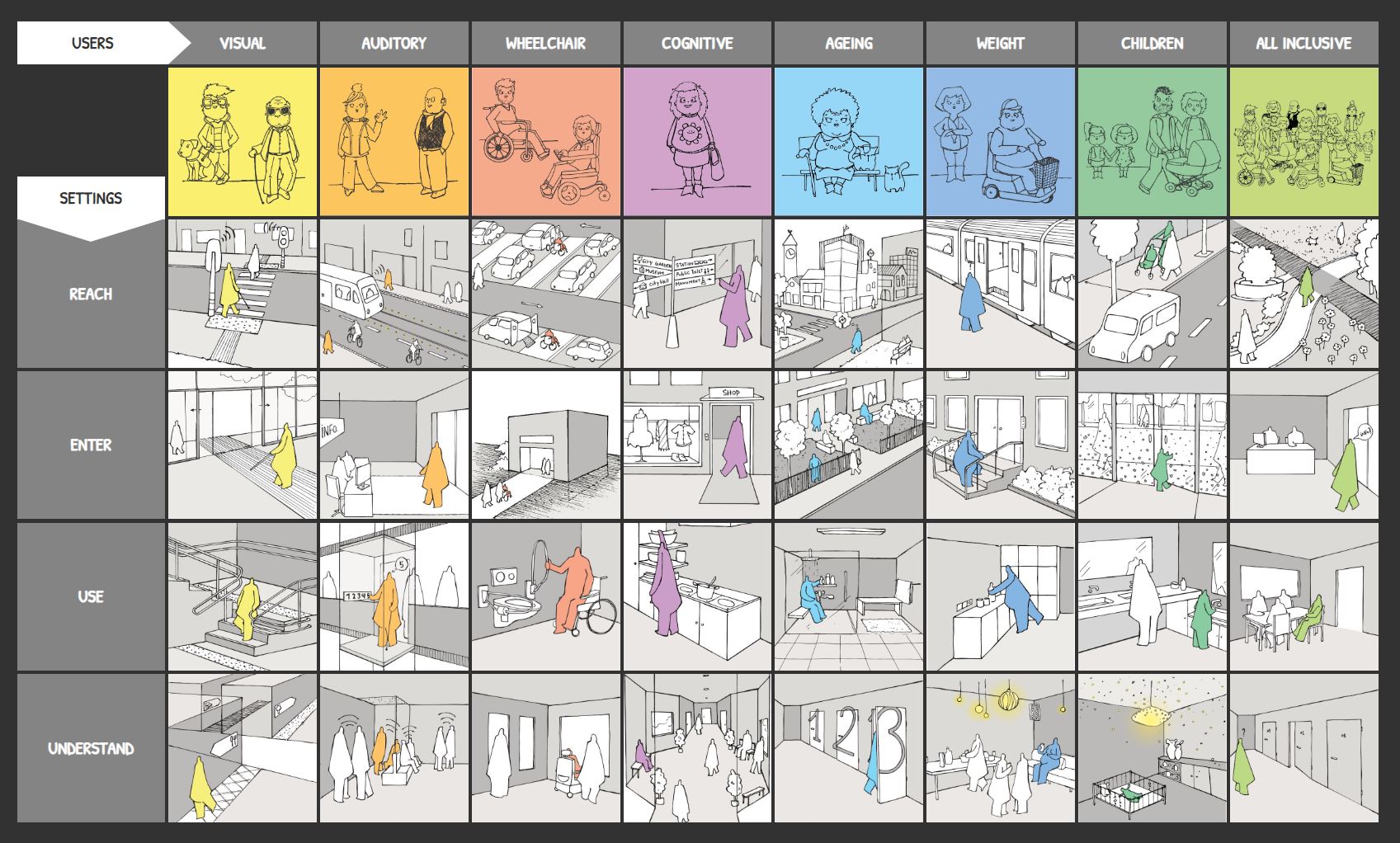
On the top you find our USERS, user profiles such as visual, auditory, wheelchair, … Some users also have subuser groups available. Click on them to get more information about these users.
On the left you find the SETTINGS, the chain of accessibility (to reach, to enter, to use and to understand of building. Click on these to get more information.
ENTER THE MATRIX
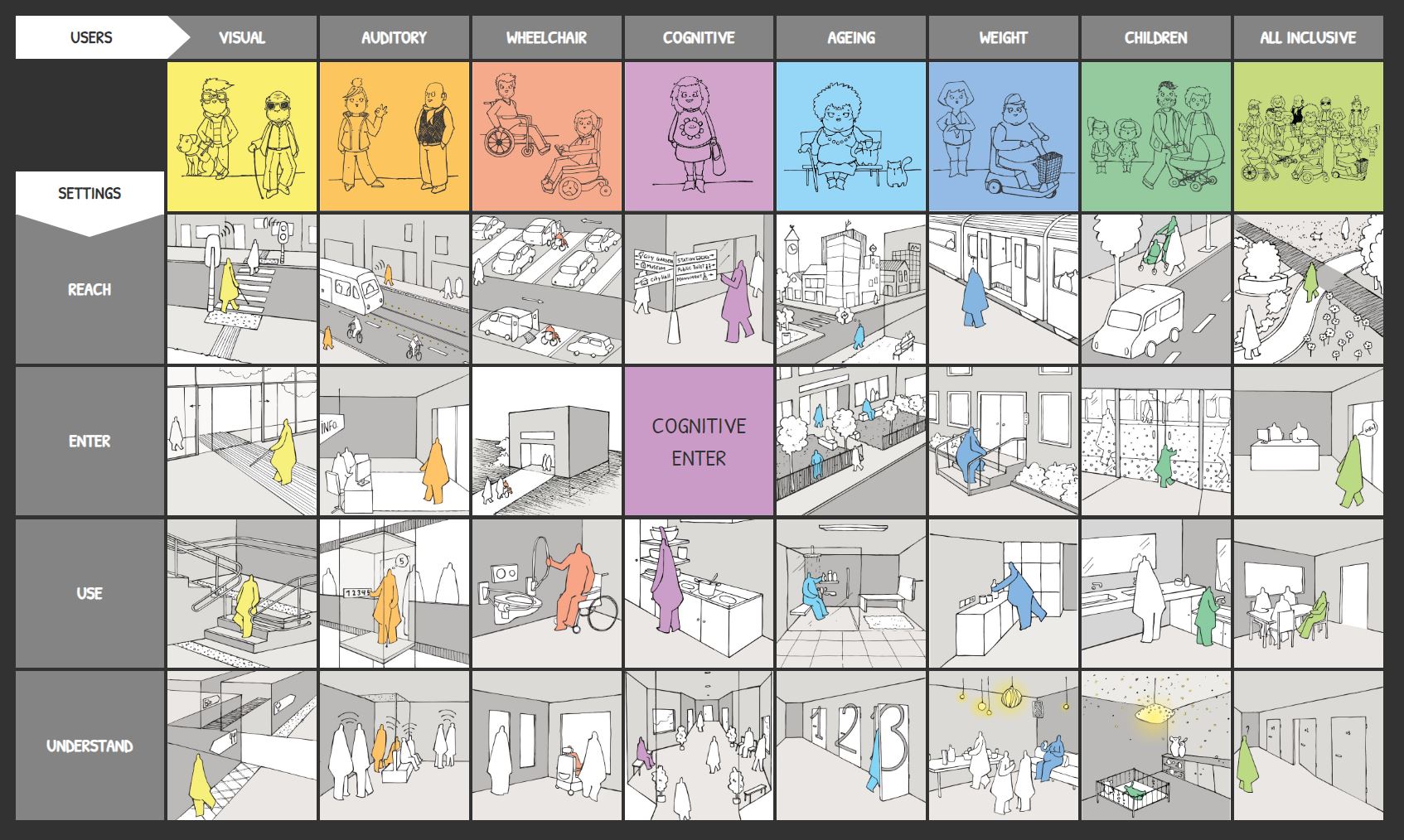
In the middle you find the matrix of all possible combinations of users and settings.
Choose the combination you want to learn more about. For every user you can choose reach, enter, use or understand. Click on them to go to the page with drawings and information.
OVERVIEW DRAWINGS
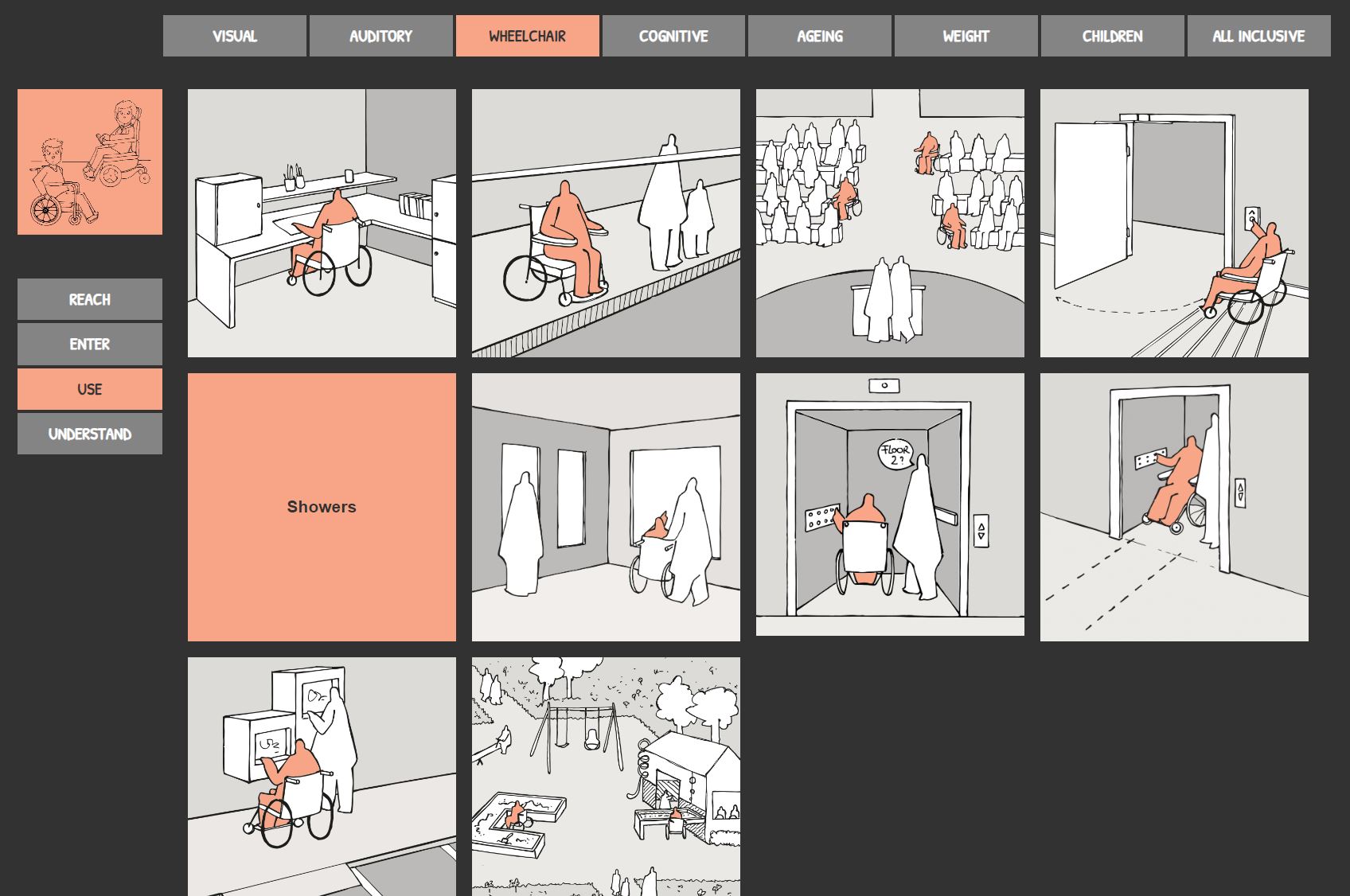
On this page you can find all the important design grammer for the chosen user and setting. Click on a sketch in de middle of the page you want.
On the top you can switch to another user, staying with the same setting.
On the bottom left you can switch to another setting, staying with the same user.
DETAILED INFORMATION
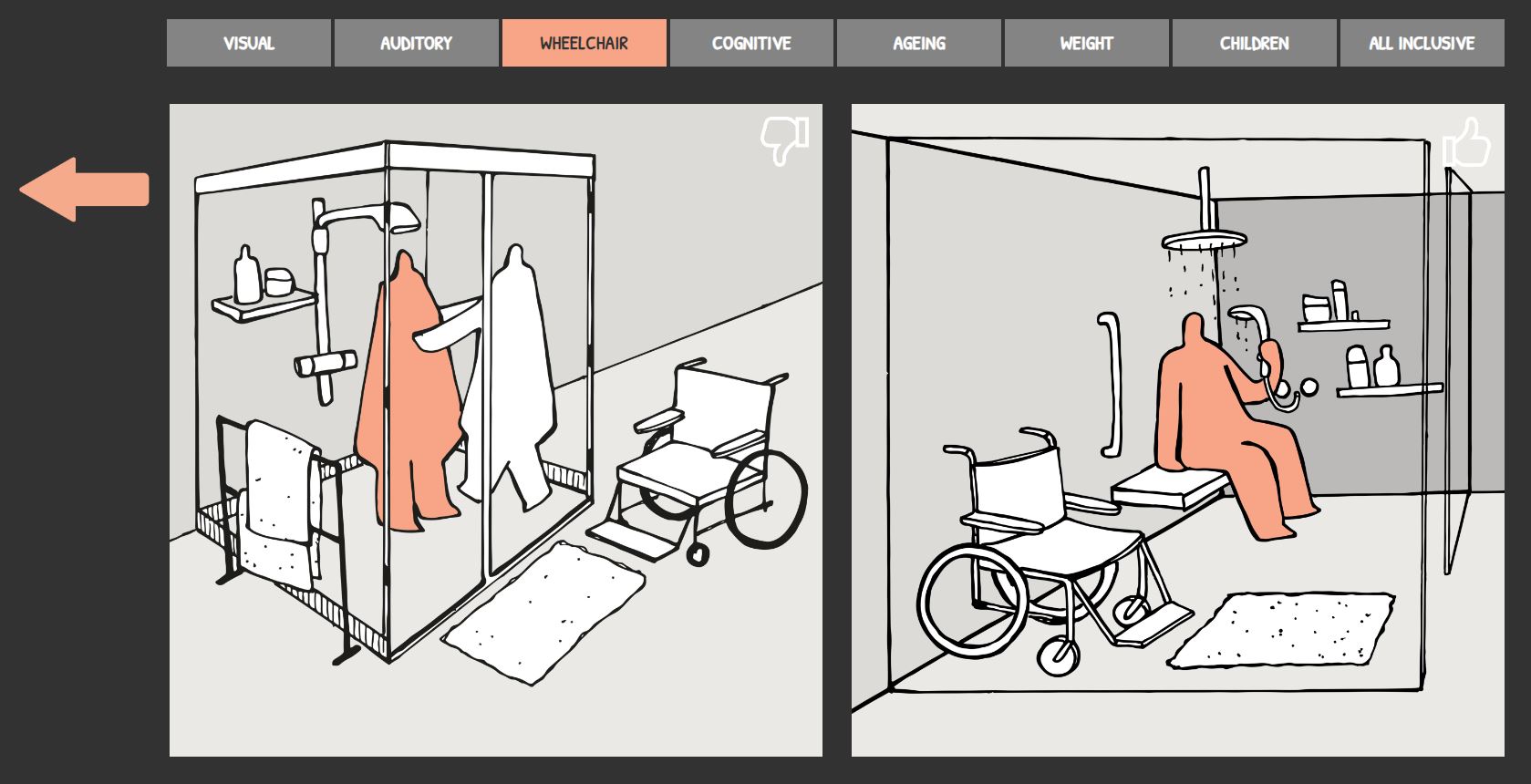
When chosen a drawing from overview drawing page, you will get detailed information. The right sketch gives you a standard example of the situation. The left sketch gives you a more inclusive example of the situation. Use the arrow on the left to go back to the drawing overview page.